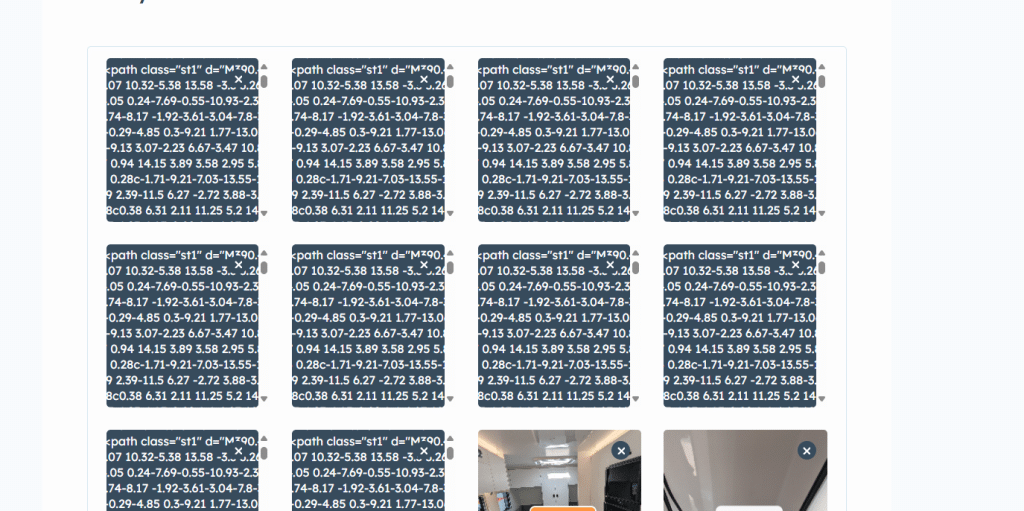
Why can’t I upload images?
Image uploads can sometimes fail for various reasons. Understanding these limitations and following best practices will help ensure smooth uploads for your content.
File Size and Format Requirements
Size Limitations:
- Individual file limit: Each image must be under 10MB
- Supported formats: JPEG, PNG, GIF, WebP
- Recommended size: For web display, images between 500KB-2MB work best for display
Quality Considerations:
- High-resolution images (4K+) may hit size limits quickly
- Consider compressing large images before upload
Upload Quantity and Batch Management
Quantity Guidelines:
- Maximum per listing: 20 images total
- Recommended batch size: Upload 5-10 images at a time for stability
Best Practices for Large Uploads:
- Break large collections into smaller batches
- Wait for each batch to complete before starting the next
- Save your listing frequently between uploads
Common Technical Issues and Solutions
Network-Related Problems:
- Slow connections: May cause timeouts during large uploads
- Intermittent connectivity: Can interrupt the upload process mid-way
- Corporate firewalls: May block certain file types or large uploads
Browser and Device Issues:
- Browser cache: Clear cache if uploads consistently fail
- Browser compatibility: Some older browsers may have upload limitations
- Mobile devices: May have different upload behaviours than desktop
- Available storage: Ensure your device has sufficient free space
Preparing Images for Upload:
- Resize oversized images: Use image editing software to reduce dimensions
- Compress files: Reduce file size while maintaining acceptable quality
- Batch similar content: Group related images for easier management
- Name files clearly: Use descriptive names for better organisation
When to Contact Support
If you continue experiencing upload issues after trying these solutions, contact technical support with:
- Error messages: Screenshot any error dialogs or messages
- File details: Size, format, and number of images affected
- Browser information: Version and type of browser used
- Steps taken: List troubleshooting methods already attempted